
Now on the Chrome Web Store
Dummy File Generator for Chrome
Make test files of any size in two clicks and put them straight into upload boxes. The same exact-size generator as this website, one click away in your toolbar.
Free · Version 1.0.1 · Chrome 116+ · Also works in Edge, Brave and Opera
What the extension does
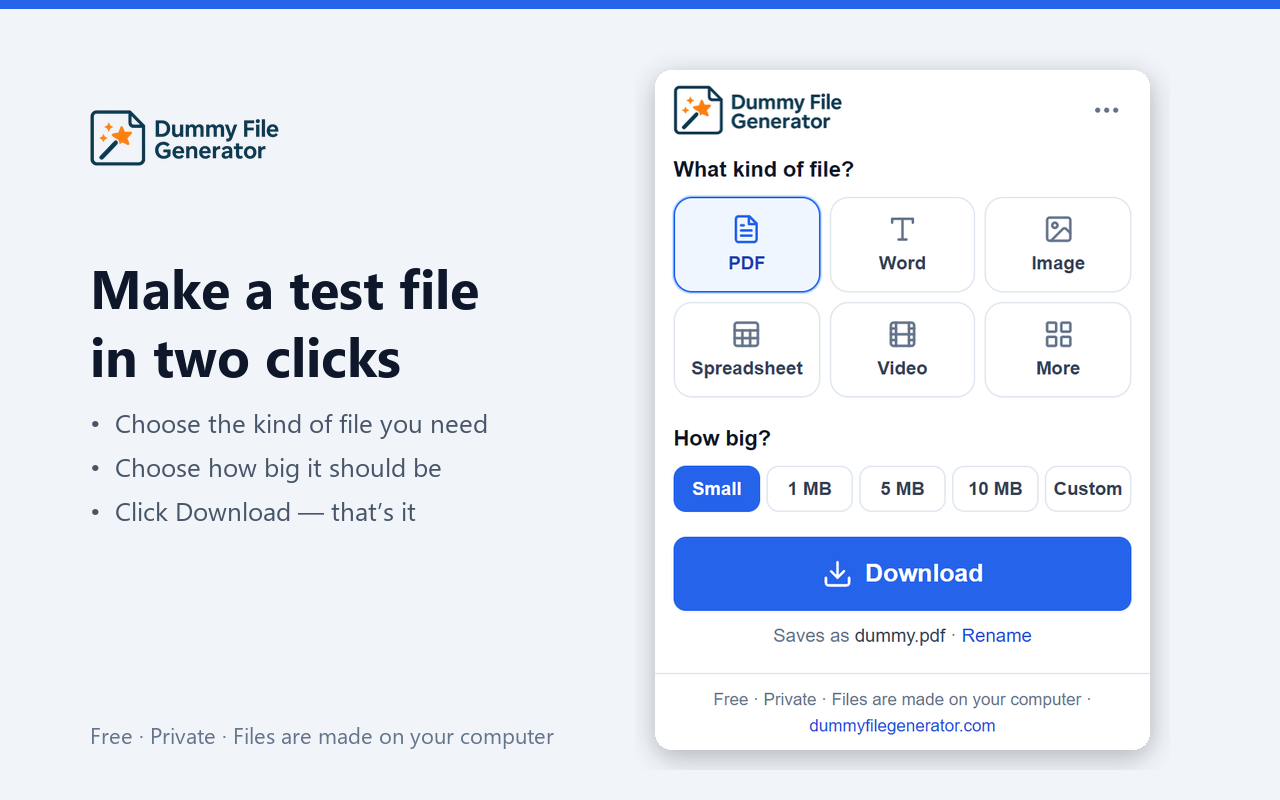
The Dummy File Generator Chrome extension creates dummy test files — PDF, DOCX, JPG, PNG, GIF, WebP, CSV, JSON, MP3, MP4, ZIP and more — at an exact byte size, directly in your browser. QA engineers and developers use it to test upload limits, file-type validation and storage quotas without searching the web for sample files. It can also attach the generated file to the upload box on the page you are testing, which removes the download-then-pick step from manual upload testing.
Features
A test file in two clicks
Click the toolbar icon, pick PDF, Word, image, spreadsheet, video or any of the other formats, choose a size, and download.
Straight into the upload box
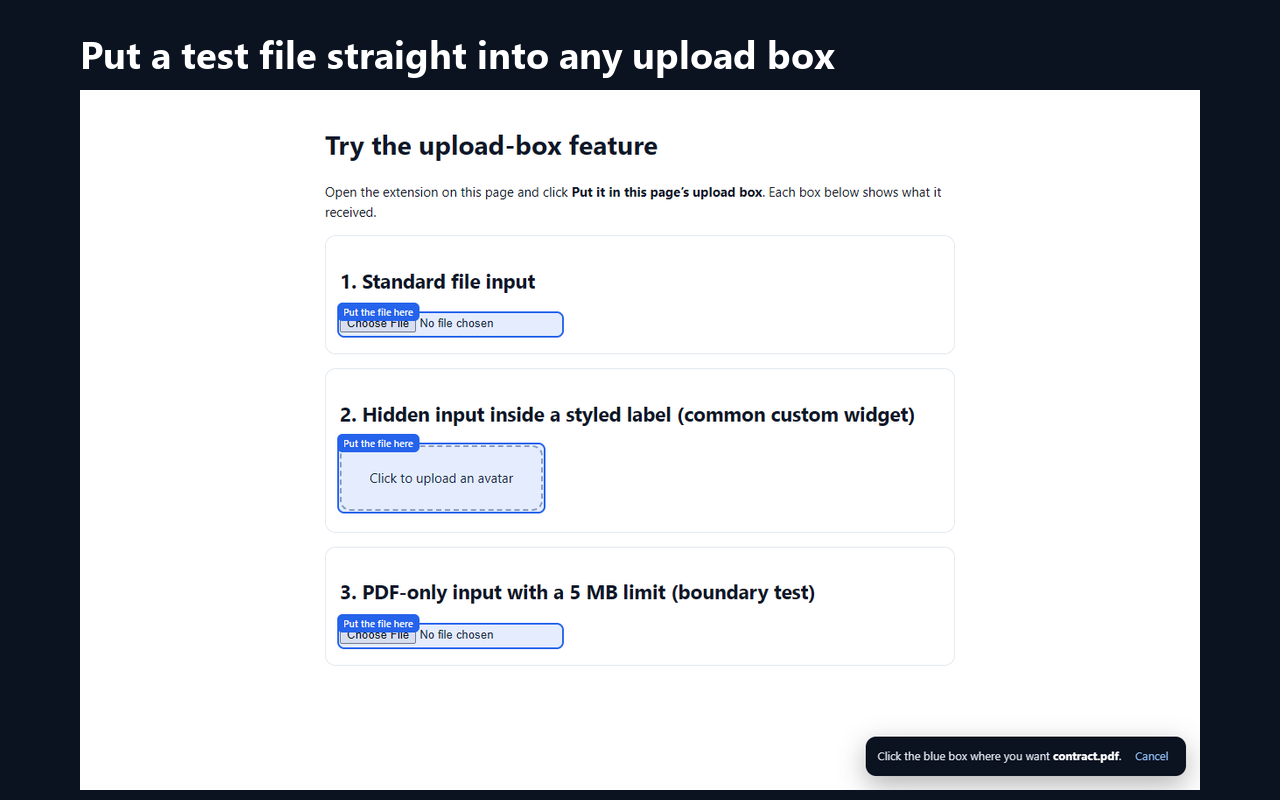
On a page with a file input, the extension can attach the file for you. No saving, no file picker, no hunting through Downloads.
Exactly the size you asked for
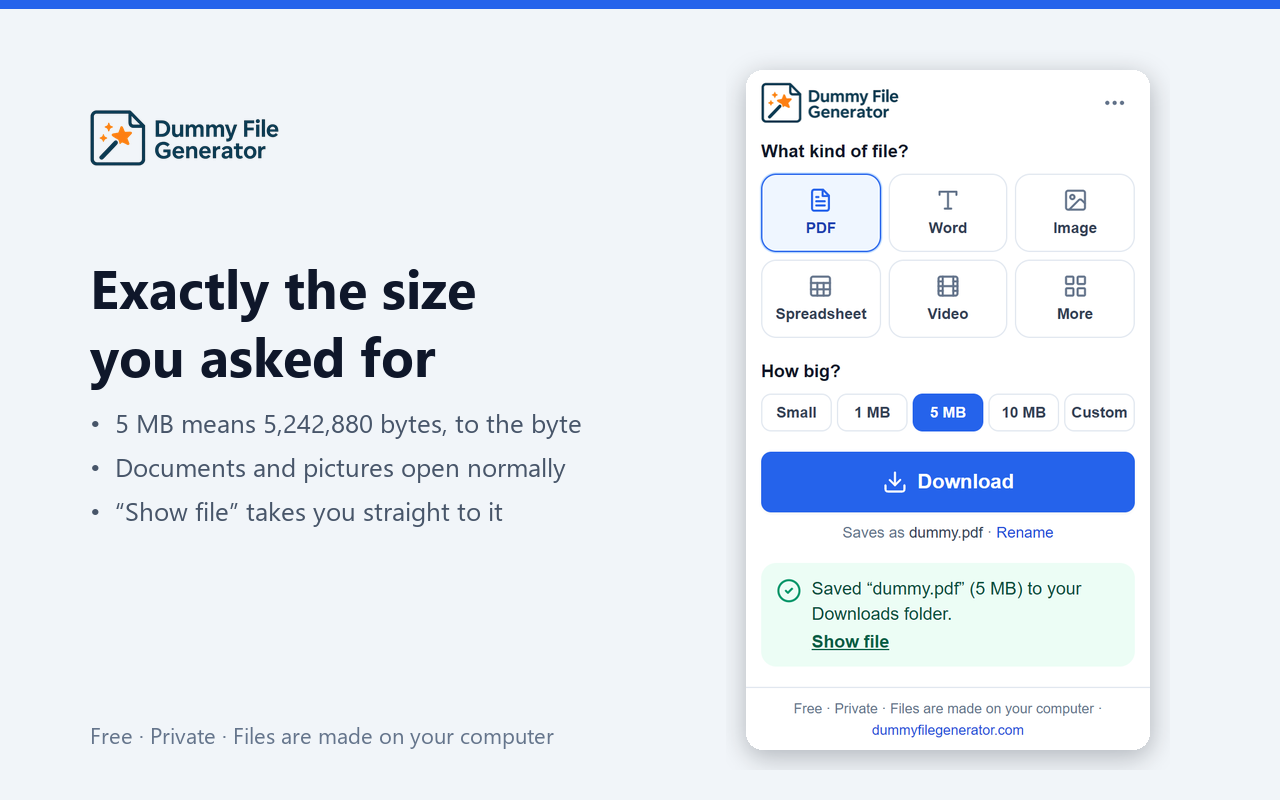
5 MB means 5,242,880 bytes, to the byte. PDFs, Word files and pictures still open normally, so boundary tests are honest.
Right-click menu and shortcut
Alt+Shift+D opens the popup from any tab, and the right-click menu makes common files without opening it at all.
Handy tools built in
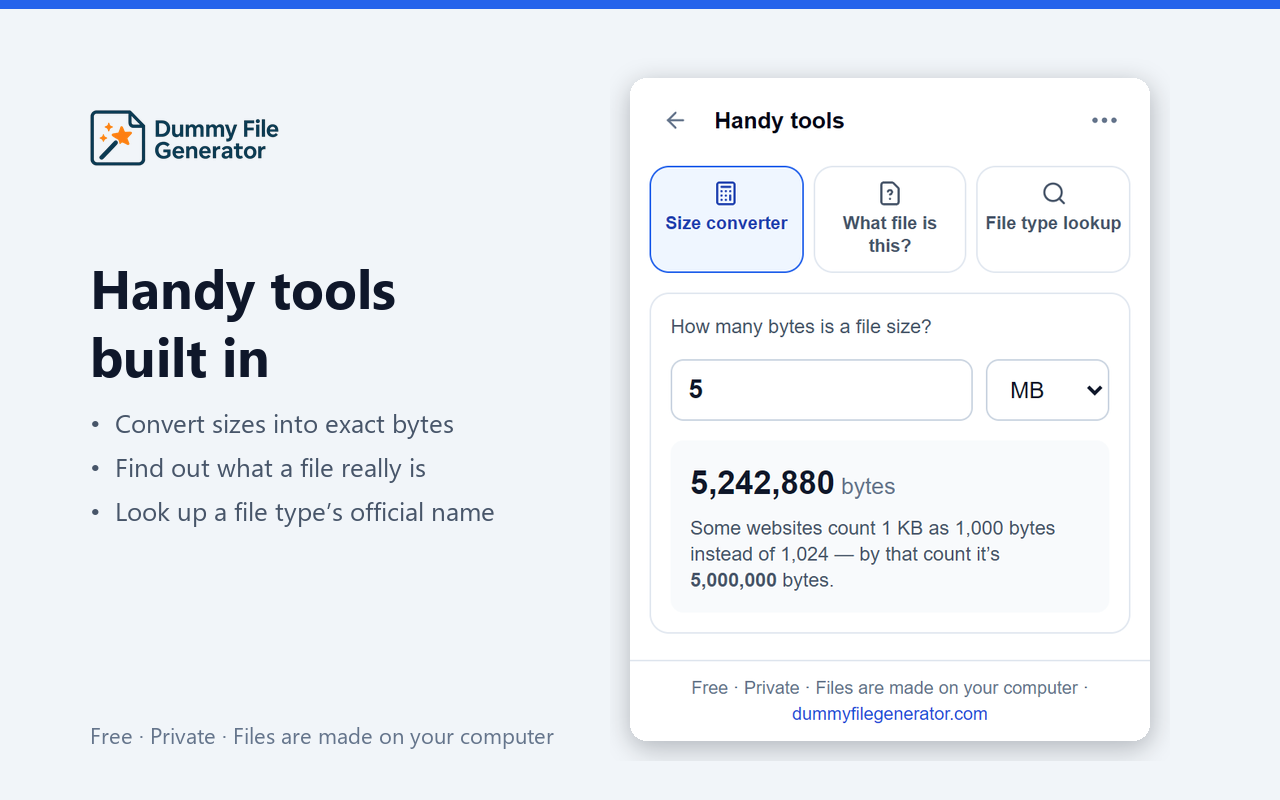
Convert sizes into exact bytes, find out what a file really is from its first bytes, and look up a file type’s MIME name.
Private by design
Files are made on your computer. No analytics, no remote code and no host permissions — nothing leaves your browser.
Screenshots
How to install
- 1
Open the Chrome Web Store listing and click Add to Chrome.
- 2
Confirm with Add extension. It installs in a few seconds.
- 3
Click the puzzle-piece icon in the toolbar and pin Dummy File Generator.
- 4
Click the icon (or press Alt+Shift+D), pick a type and size, and download.
Extension or website?
| Extension | Website | |
|---|---|---|
| Exact-size files | Yes | Yes |
| Fill upload boxes directly | Yes | No |
| Right-click menu and shortcut | Yes | No |
| Custom body text, share links | No | Yes |
| Needs installing | Yes | No |
On Firefox or Safari, use the web generator.
Frequently asked questions
- How do I install the Dummy File Generator Chrome extension?
- Open the Chrome Web Store listing (https://chromewebstore.google.com/detail/ifbjgnnekhgbpejkknhlkhajfifpooak), click "Add to Chrome", then confirm with "Add extension". Pin it from the puzzle-piece menu so the icon stays in your toolbar. Alt+Shift+D opens it from any tab.
- Is the extension free?
- Yes. It is free, has no account, no ads, no analytics and no paid tier.
- Does the extension upload my files anywhere?
- No. Files are made on your computer by the extension itself and saved to your Downloads folder, or placed into the upload box you choose. The extension has no host permissions, sends no data and loads no remote code.
- How does "put it in this page's upload box" work?
- Open the extension on a page that has a file input. If it finds one, it shows a button to put the file there. Click it, and the file is attached to that <input type="file"> as if you had picked it from disk, so the site's own validation runs. When a page has several upload boxes, the extension highlights them and you click the one you want.
- Does it work in Microsoft Edge, Brave or Opera?
- Yes. Any Chromium-based browser that can install from the Chrome Web Store works, as long as it is based on Chrome 116 or later. Firefox and Safari are not supported; use the website at dummyfilegenerator.com/generator there.
- What is the difference between the extension and the website?
- Both use the same generator code, so files are identical. The website gives every option (exact byte counts, custom body text, shareable preset links). The extension is faster for everyday use: common sizes in two clicks, a right-click menu, a keyboard shortcut, and filling upload boxes directly.
- Why does the extension need its permissions?
- downloads saves files; storage keeps your settings and recent files; contextMenus adds the right-click menu; offscreen builds files, which a background service worker cannot do on its own; scripting and activeTab find and fill upload boxes, only on the tab you opened the extension on and only after you click.
Get the extension
Free, private and offline. Your next upload test is two clicks away.
Add to Chrome — free(opens the Chrome Web Store in a new tab)